FastGPT SearXNG 搜索插件配置指南
SearXNG是一款免费的互联网元搜索引擎,它汇总了来自各种搜索服务和数据库的结果。它不会跟踪或分析用户。用户可以自行部署它进行使用。本文介绍 Searxng 的部署以及接入 FastGPT 插件。
这里介绍在 Sealos 中部署 SearXNG 的方法。Docker 部署,可以直接参考 SearXNG 官方教程。
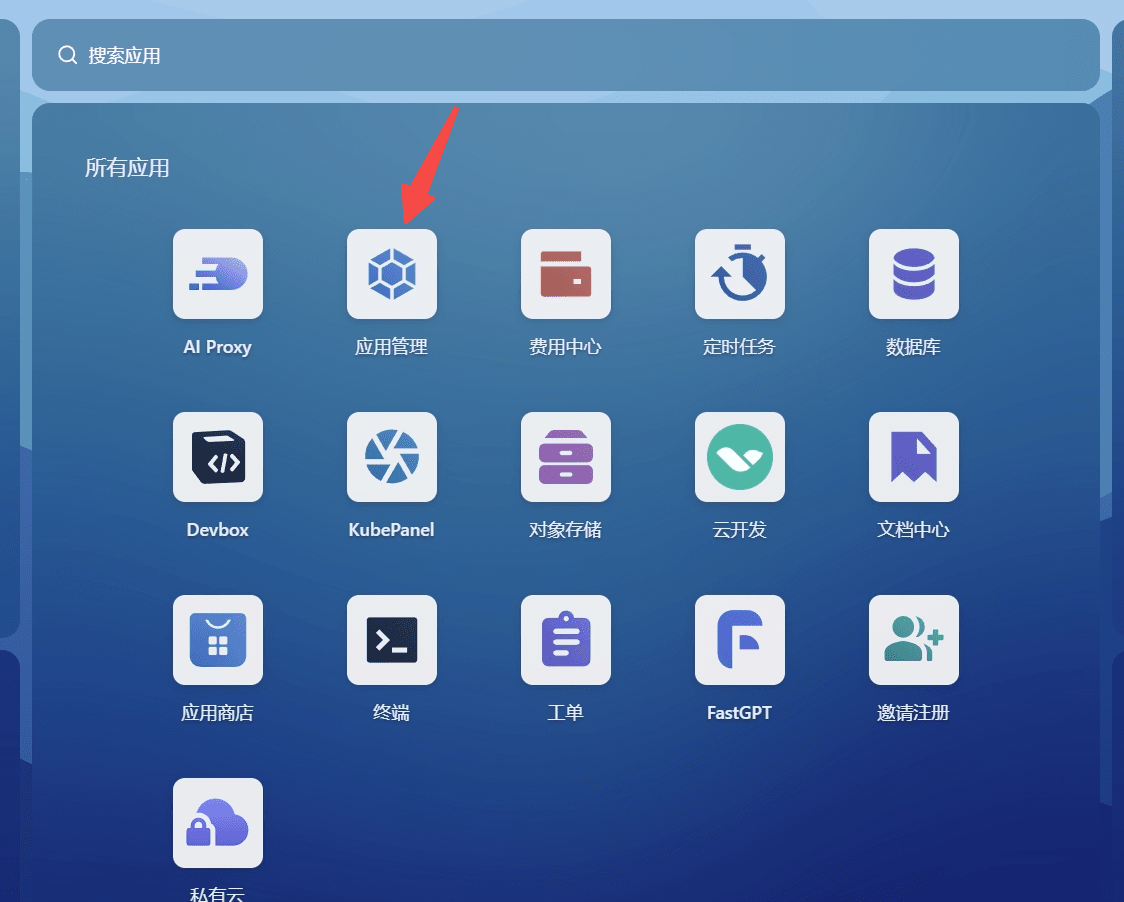
点击打开 Sealos 北京区,点击应用部署,并新建一个应用:
| 打开应用部署 | 点击新建应用 |
|---|
 |  |
把下面参数,填入配置中:

环境变量
填下面两个内容,主要是为了减小并发,不然内存占用非常大。
UWSGI_WORKERS=4UWSGI_THREADS=4
配置文件
新增一个配置文件,文件名:/etc/searx/settings.yml 文件内容:
general: debug: false instance_name: "searxng" privacypolicy_url: false donation_url: false contact_url: false enable_metrics: true open_metrics: ''brand: new_issue_url: https://github.com/searxng/searxng/issues/new docs_url: https://docs.searxng.org/ public_instances: https://searx.space wiki_url: https://github.com/searxng/searxng/wiki issue_url: https://github.com/searxng/searxng/issuessearch: safe_search: 0 autocomplete: "" autocomplete_min: 4 default_lang: "auto" ban_time_on_fail: 5 max_ban_time_on_fail: 120 formats: - htmlserver: port: 8080 bind_address: "0.0.0.0" base_url: false limiter: false public_instance: false secret_key: "example" image_proxy: false http_protocol_version: "1.0" method: "POST" default_http_headers: X-Content-Type-Options: nosniff X-Download-Options: noopen X-Robots-Tag: noindex, nofollow Referrer-Policy: no-referrerredis: url: falseui: static_path: "" static_use_hash: false templates_path: "" default_theme: simple default_locale: "" query_in_title: false infinite_scroll: false center_alignment: false theme_args: simple_style: autooutgoing: request_timeout: 30.0 max_request_timeout: 40.0 pool_connections: 200 pool_maxsize: 50 enable_http2: false retries: 5engines: - name: bing engine: bing shortcut: bidoi_resolvers: oadoi.org: 'https://oadoi.org/' doi.org: 'https://doi.org/' doai.io: 'https://dissem.in/' sci-hub.se: 'https://sci-hub.se/' sci-hub.st: 'https://sci-hub.st/' sci-hub.ru: 'https://sci-hub.ru/'default_doi_resolver: 'oadoi.org'
国内目前只有 Bing 引擎可以正常用,所以上面的配置只配置了 bing 引擎。如果在海外部署,可以使用Sealos 新加坡可用区,并配置其他搜索引擎,可以参考SearXNG 默认配置文件, 从里面复制一些 engine 配置。例如:
- name: duckduckgo engine: duckduckgo shortcut: ddg - name: google engine: google shortcut: go
复制 Sealos 部署后提供的公网地址,填入 FastGPT 的 SearXNG 插件的 URL 中。
| 复制公网地址 | 填入 URL |
|---|
 |  |
{ "result": "[{\"title\":\"标题1\",\"link\":\"链接1\",\"snippet\":\"摘要1\"}, ...]"}
{ "result": "[]", "error": { "message": "No search results", "code": 500 }}
- "缺少查询参数"- "缺少url"- "Failed to fetch data from Search XNG"
一般问题来源于参数缺失与服务部署,如有更多问题可在用户群提问。
先直接打开外网地址,测试是否可以正常搜索。
检查是否有超时的搜索引擎,通过 API 调用时不会返回结果。